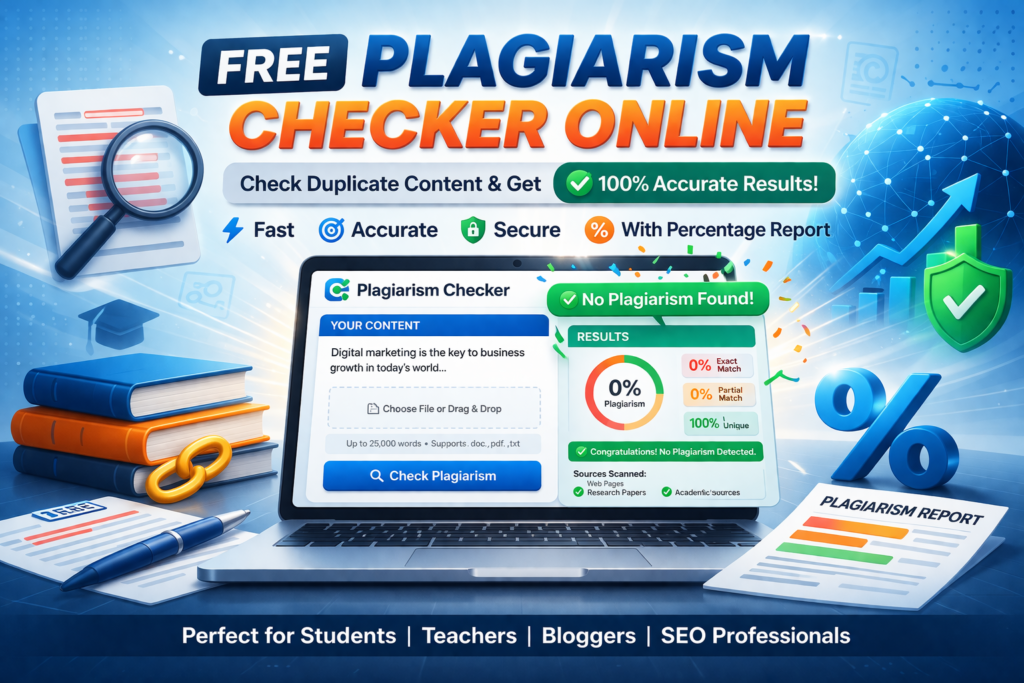
Advanced Plagiarism Checker
Text, website URL, article upload, and PDF upload — everything processed inside the browser. Fast, clean, and built for local comparison without needing a backend.
Scan content
Use any one source or compare multiple sources together. This tool checks overlap between your article, uploaded files, and webpage text to estimate duplication locally.
Features
A more advanced layout for your blog post and tool page.
Text Checker
Paste articles and instantly measure duplication-style similarity.
Website Checker
Scan a URL when the page allows browser access.
PDF Upload
Extract text from PDFs right inside the browser.
Multi-file Compare
Compare one document against many uploads at once.
Free Plagiarism Checker
Plagiarism Checker
Check plagiarism from your content instantly with percentage results
Official Website: www.easycalculattor.com
Paste Your Text
0
Words0
Characters100%
Unique0%
PlagiarismWhat we offer
Accurate Results
Our tool checks your content carefully and shows plagiarism percentage instantly.
Upload Files
You can paste text or upload files to check plagiarism quickly.
SEO Friendly
Perfect tool for bloggers, students, writers and website owners.
Fast Scanning
Get plagiarism results in seconds without any delay.
How to Use This Advanced Plagiarism Checker (Complete Step‑by‑Step Guide)
Writing original content has become more important than ever. Whether you are a blogger, student, freelancer, SEO writer, or website owner, you must make sure your content is 100% unique before publishing it online. That is exactly why we created this advanced plagiarism checker tool. It is simple, powerful, fast, and designed especially for people who want professional results without using expensive software.
This guide will explain everything step‑by‑step in a very easy way. Even if you are using a plagiarism checker for the first time, you will understand how to use every feature after reading this article. The tool supports article checking, website content checking, and file uploading including PDF files. That means you do not need multiple tools anymore. Everything is available in one place with a clean and colorful design.
Why Plagiarism Checking Is Important
Many people copy content from the internet without realizing that search engines like Google can easily detect duplicate content. If your article is not unique, your website may never rank on the first page. Students may also face serious problems if they submit copied assignments. This is why plagiarism checking is not just useful — it is necessary.
This tool helps you check originality in seconds. It gives you word count, character count, plagiarism percentage, and uniqueness percentage instantly. That means you will know whether your content is safe to publish or needs editing.
Main Features of This Tool
- Advanced plagiarism checking system
- Website content checking option
- Article plagiarism checker
- PDF file upload support
- Text file upload support
- Instant results with percentage
- Beautiful colorful design
- SEO‑friendly and fast loading
- Easy to use on mobile and laptop
How to Check Article Plagiarism
Checking article plagiarism is extremely simple. You do not need technical knowledge. Just follow these steps:
Step 1: Copy your article from Word, Google Docs, or anywhere else.
Step 2: Paste the content inside the big text box at the top of this page.
Step 3: Click the “Check Plagiarism” button.
Step 4: Wait a few seconds while the tool scans your content.
Step 5: The result will appear instantly with plagiarism percentage and uniqueness percentage.
If the plagiarism percentage is low, your article is safe. If the percentage is high, you can rewrite the content and check again. This process helps you create 100% original articles every time.
How to Check Website Content Plagiarism
This tool is not limited to articles only. You can also check plagiarism from websites. Many bloggers want to know whether someone copied their content or not. With this tool, you can paste website content and instantly check originality.
Simply copy the text from any webpage and paste it inside the text box. After that, click the plagiarism button and the system will show the uniqueness score. This feature is very useful for website owners, SEO experts, and digital marketers.
How to Upload PDF Files and Check Plagiarism
Sometimes your content is saved in PDF format, and copying text manually can be difficult. That is why we added a file upload feature. You can upload a PDF file directly and check plagiarism without wasting time.
Click the upload file button, select your PDF file, and press the check button. The tool will scan the content and show results in seconds. This feature is perfect for students, teachers, and researchers who work with PDF assignments regularly.
Best Tool for Bloggers and SEO Writers
If you are a blogger, this tool will help you rank faster on Google. Search engines always prefer original content. When you publish unique articles, your chances of ranking increase automatically. That means more visitors, more traffic, and more earnings from your website.
SEO writers also need a fast plagiarism checker to confirm originality before sending articles to clients. This tool saves time and gives professional‑level results instantly.
Mobile Friendly and Easy to Use
Many people work only on mobile phones. That is why this plagiarism checker is fully mobile‑friendly. You can paste your content, upload files, and check plagiarism easily from your phone without installing any app.
The colorful design also makes the tool easy to understand. Everything is clean, simple, and user‑friendly. Even beginners can use it without confusion.
Final Words
This advanced plagiarism checker is created especially for students, bloggers, freelancers, content writers, and website owners. It is fast, powerful, and very easy to use. You can check articles, website content, and even PDF files in one place.
If you want to create original content and rank higher on search engines, start using this tool today. It will help you write better, publish smarter, and grow faster online.